Android 16: Google's Latest Mobile Operating System
- Get link
- X
- Other Apps
Android 16: Google's Latest Mobile Operating System
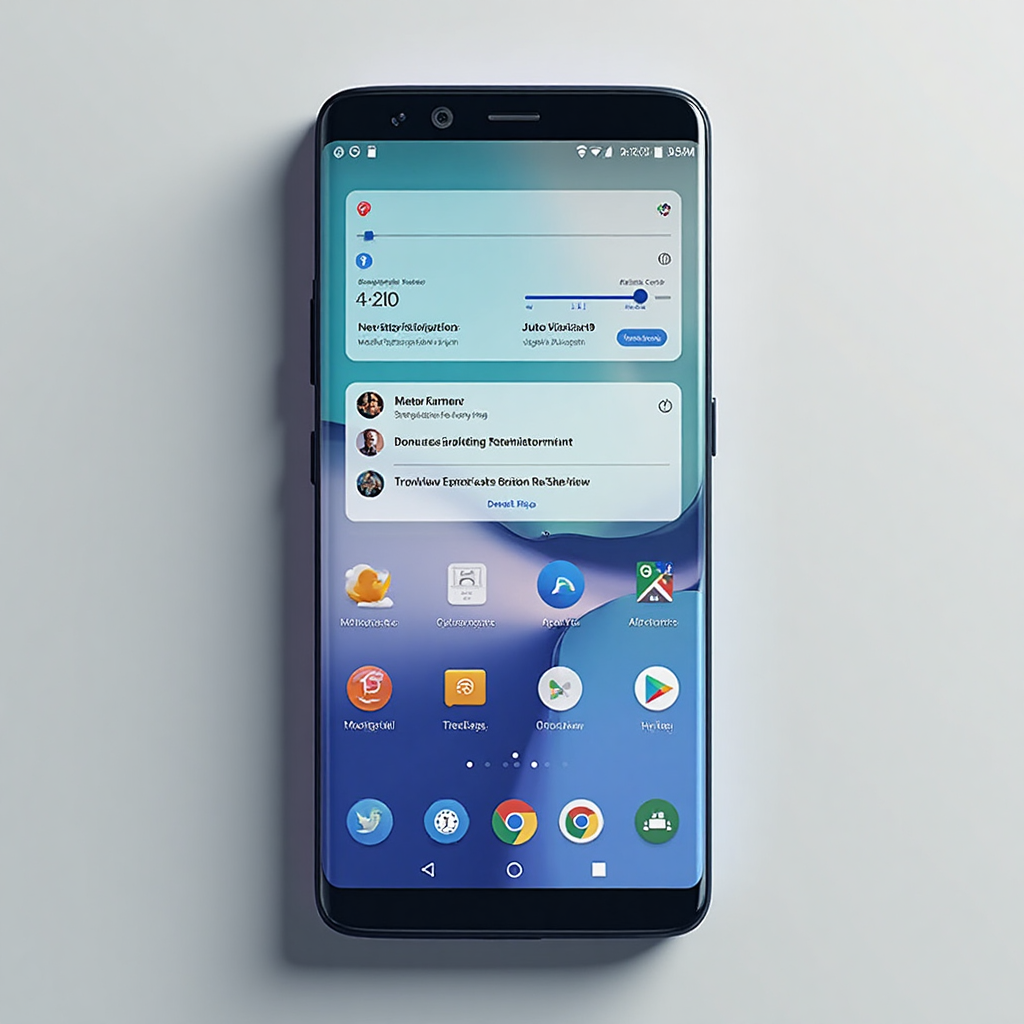
Android 16, released in June 2025, brings significant improvements and new features to Google's mobile operating system. Here's a comprehensive overview of this latest update.
Key Specifications and Features
Core System Improvements
- Adaptive Refresh Rate: Automatically adjusts your display refresh rate based on content, providing smoother experiences while optimizing battery life.
- 16KB Page Size: Improved performance for app launches, system boot-ups, and camera starts, while reducing battery usage.
- ART Updates: Enhanced Android Runtime performance with support for additional language features, available on devices running Android 12 and higher through Google Play System updates.
User Interface & Usability
- Auto-grouping Notifications: Reduces clutter by intelligently grouping similar notifications together.
- Live Updates in Notifications: Track ride or delivery progress in real-time directly from your notifications with compatible apps.
- Predictive Back: Preview your previous screen before going back with the new predictive back feature.
- Haptic Sliders: Tactile feedback makes adjusting volume and brightness more precise.
- Material Expressive Design: Foundation for upcoming Material 3 Expressive changes, with apps now required to go edge-to-edge when targeting Android 16.
Multitasking Capabilities
- Desktop Windowing: Open, group, and resize multiple app windows for improved productivity on larger screens (coming later in 2025).
- Custom Keyboard Shortcuts: Use shortcuts for faster navigation and app launching on larger screens.
- Taskbar Overflow: Manage multiple opened apps and quickly find the window you need.
Camera and Media
- Professional Camera Features: Enhanced support with night mode scene detection, hybrid auto exposure, and precise color temperature adjustments.
- Motion Photos: Easier capture with new Intent actions.
- UltraHDR Images: Improved support with HEIC encoding and new parameters from the ISO 21496-1 draft standard.
- Advanced Professional Video (APV) Codec: Perceptually lossless video quality that survives multiple processing without severe quality degradation.
- Embedded Photo Picker: Can now be integrated directly into your app's view hierarchy.
Security and Privacy
- Identity Check: Requires biometrics outside trusted locations to prevent account takeovers.
- Trade-in Mode: Enhances the trade-in experience with trustworthy access to diagnostics (only available on wiped devices).
- Advanced Protection: Consolidated security features to protect against online attacks, harmful apps, unsafe sites, and scam calls.
- Local Network Permission: Testing for upcoming requirement of NEARBY_WIFI_DEVICES permission for local network access.
Accessibility Enhancements
- Phone as Mic Input: Turn your smartphone into a microphone input for LE Audio hearing aids.
- Enhanced Hearing Device Support: Control hearing devices through your Android device and switch to your phone as input for clearer calls.
- Outline Text: Replaces high contrast text with a larger contrasting area around text for improved legibility.
- Live Search in Magnifier: Help users learn more about surroundings in real-time without taking pictures first.
Pixel-Specific Features
With the June Pixel Drop, Android 16 brings exclusive features to Pixel devices:
- Pixel VIPs: New widget from the Contacts app that helps you stay connected with important people, showing last calls, messages, shared locations, and important events.
- Gboard Stickers with Pixel Studio: Create custom stickers using generative AI directly in Gboard.
- Expressive Captions: Enhanced to capture elongated words and available in more countries.
- AI-powered Editing in Google Photos: Get AI suggestions to enhance photos with a single tap.
Notable Improvements Over Previous Versions
Compared to Android 15, Android 16 offers:
- Enhanced multitasking with desktop windowing mode
- Improved notification management with auto-grouping
- More advanced security features with Identity Check and Advanced Protection
- Better accessibility with enhanced hearing aid support and outline text
- New camera and media capabilities for professional users
- Adaptive display technology for smoother experiences and better battery life
The image above showcases the modern interface of Android 16, featuring the auto-grouped notifications, multitasking capabilities, and the clean Material Expressive design language that defines this latest release.
- Get link
- X
- Other Apps


Comments
Post a Comment